| Formatting: Images in Cells |
Format > Images style enable you to enter in a cell any sequence image names and then display the result in one line in a cell.
The predefined image names (available in every workbook) include various buttons, flags and symbols.
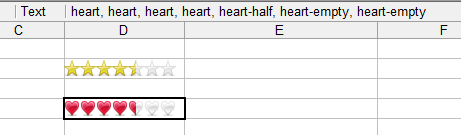
For example, entering in a cell
star, star, star, start, star-half, star-empty, star-empty
will display in a cell a 7-star-style rating with 4.5 stars:
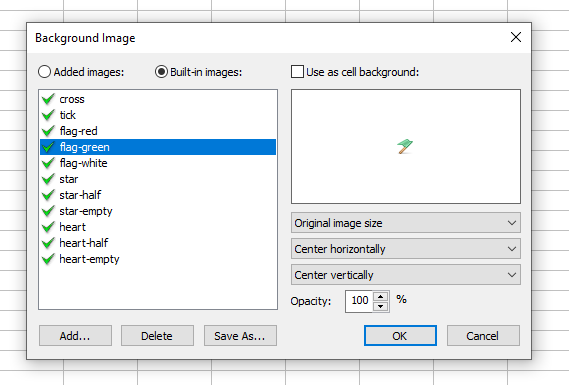
To add and use in a given workbook your own images, use the Images List toolbar button or use the "background image" command in the "Cell Format" dialog box.
In the displayed "Workbook Images" dialog box, you can view and manage the added images: