| Using the Increment, Decrement and Operations commands |
To add/multiple/divide/subtract values in selected cells automatically
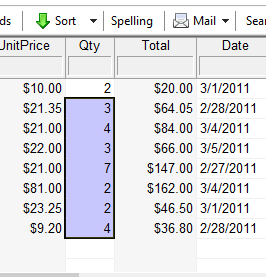
Select a cell containing a numeric value or any range of such cells use the Edit > Increment or Edit > Decrement command.
By default these commands respectively add 1 and subtract 1.
The above adding and subtracting can be overwritten with the Edit > Operations command
to perform more complex field value changes.
To define operations executed when you use the "Edit > Increment" and "Edit > Decrement" commands
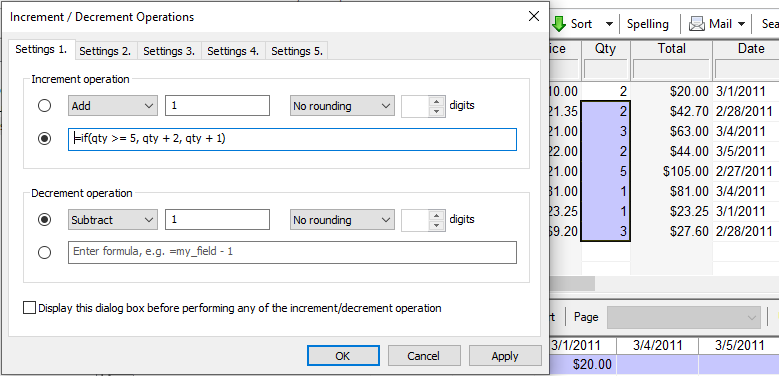
Use the Edit > Operations command and specify the incrementing and decrementing operations, which
can be adding/subtracting/dividing/multiplying by a fixed value and at a given precision. The operation can be also
defined as a formula referring to the cell(s) the command is applied to.
There are five increment/decrement pair settings and the active one is determined by the active tab
in the Operations dialog box.
For example:
1. Define some "increment" formula-based action (and/or "decrement") on the "Settings1" tab and make it active.
2. Use the "increment' command Ctrl+Alt+"+" (and/or "decrement": Ctrl+Alt+"-"). Values in the selected fields will be modified according to the defined formula: